In 2025, video content is king whether you’re creating YouTube videos, Instagram Reels, or marketing promos. But editing video manually can be time-consuming, technically challenging, and expensive. That’s where AI tools are making a massive difference.
With the rise of smart automation, scene detection, AI avatars, auto-subtitling, and content repurposing features, today’s AI-powered video editors are transforming how creators work. These tools are not only speeding up post-production but also helping creators deliver studio-level quality with minimal effort.
Whether you’re a solo content creator, a marketer managing brand reels, or a coach creating training videos, the 10 AI Tools for Video Editing 2025 can help you edit faster, work smarter, and scale your video content across platforms.
From turning scripts into videos, cleaning up audio, removing awkward silences, to generating subtitles in multiple languages these tools cover it all. In this guide, we’ll explore the best video editing AI tools of 2025, with both free and paid options, to help you find the perfect solution for your creative workflow.
1. Pictory
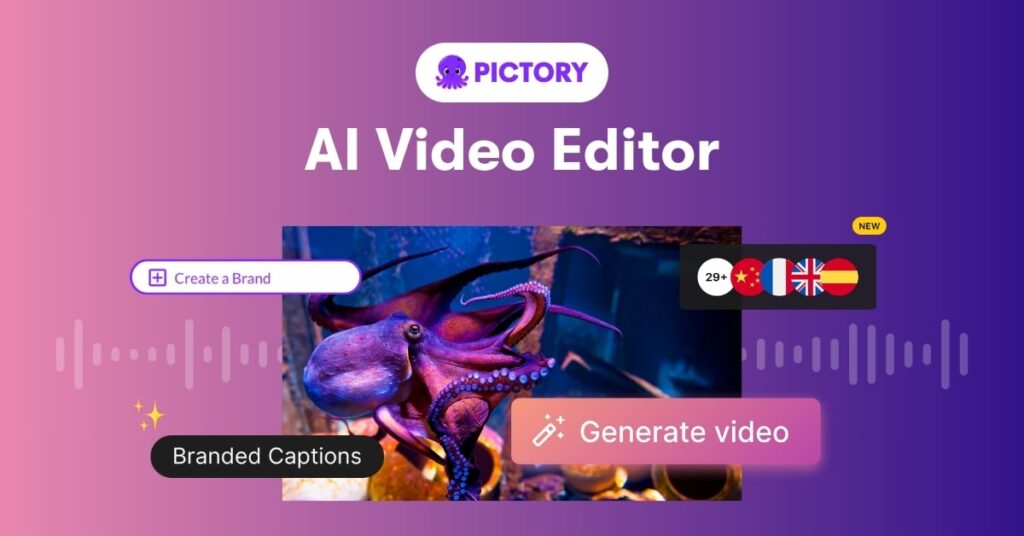
Pictory is one of the best video editing AI tools in 2025, designed specifically for creators who want to repurpose written content into dynamic videos. Whether you have a blog post, webinar transcript, or sales script, Pictory can instantly transform your text into a professional-quality video with visuals, background music, and voiceover all powered by AI.
Key AI Features:
- Text-to-video automation – Simply paste your content, and Pictory will generate a video storyboard for you.
- AI selects the best stock footage – Based on your content’s keywords and tone, Pictory automatically matches stock clips, saving you time searching manually.
- Auto-captioning & summarization – It automatically adds subtitles and summarizes long content for short-form videos like YouTube Shorts or Instagram Reels.
- Voiceover or text-to-speech integration – Choose from a range of realistic AI voices or upload your own audio to sync perfectly with your visuals.
Free Version: Yes – allows up to 3 video projects per month with watermark.
Paid Plans: Starting from $19/month with more export credits and branding options.
Best For: Content creators, bloggers, digital marketers, coaches, and YouTubers.
Benefits:
If you’re looking for a way to turn existing content into visual assets quickly, Pictory is one of the best video editing AI tools to get started. It’s beginner-friendly, doesn’t require editing skills, and cuts down your video production time from hours to just minutes. Whether you’re creating educational videos, social media content, or product explainers, Pictory offers an affordable and time-saving solution.
2. Runway ML
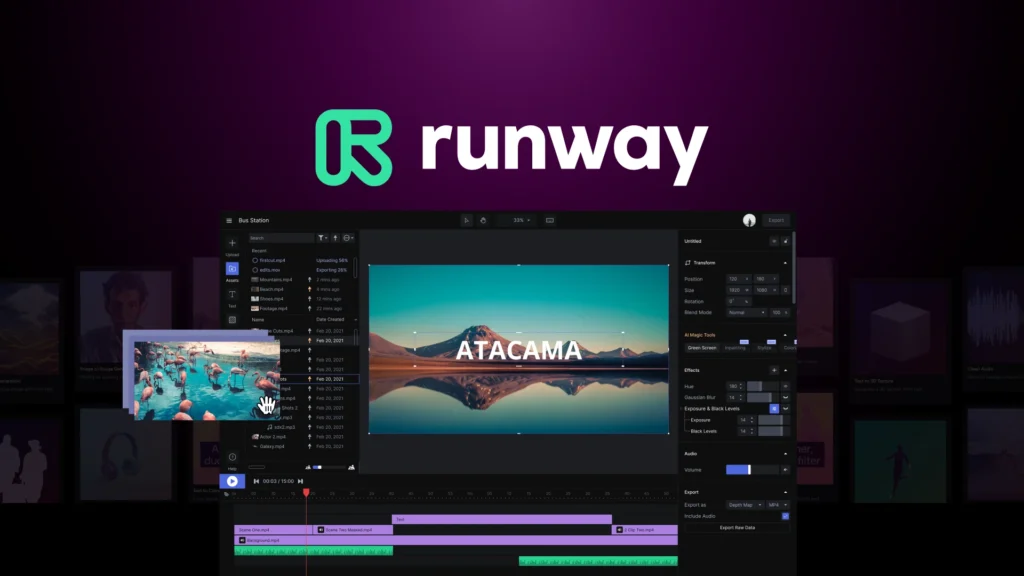
Runway ML stands out as one of the most powerful and versatile video editing AI tools available in 2025. Designed for creators who want advanced editing capabilities without complex software or expensive hardware, Runway ML brings studio-level tools directly to your browser. Whether you’re editing short-form videos for social media or cinematic content for YouTube, Runway makes the process faster, easier, and more creative through AI automation.
Key AI Features:
- Green Screen Without a Green Screen: Instantly remove or replace backgrounds using AI without needing a physical green screen setup.
- AI Motion Tracking: Add dynamic elements like text, effects, or animations that follow objects in your video frame automatically.
- Image & Video Inpainting: Remove unwanted objects or fill in missing parts of your footage with AI-powered content awareness.
- Text-to-Video (Gen-2 Model): Type your idea, and the AI will generate visual content based on your prompt—a huge breakthrough for creative workflows.
- Real-Time Collaboration: Edit with your team simultaneously in the cloud, perfect for agencies or distributed content teams.
Free Version: Yes (includes limited exports and watermark)
Paid Plans: Start from $12/month depending on features and export limits.
Best For: Filmmakers, content creators, YouTubers, marketing agencies, and video production teams looking to scale content creation efficiently.
Benefits:
Runway ML is ideal for anyone who wants the power of professional editing without the learning curve. As one of the best video editing AI tools in 2025, it removes the need for traditional software like After Effects or Premiere Pro by combining deep learning with intuitive controls. With AI-assisted automation, creators can now focus more on storytelling and less on technical tasks, making Runway a top choice for modern, high-quality video production.
3. Descript
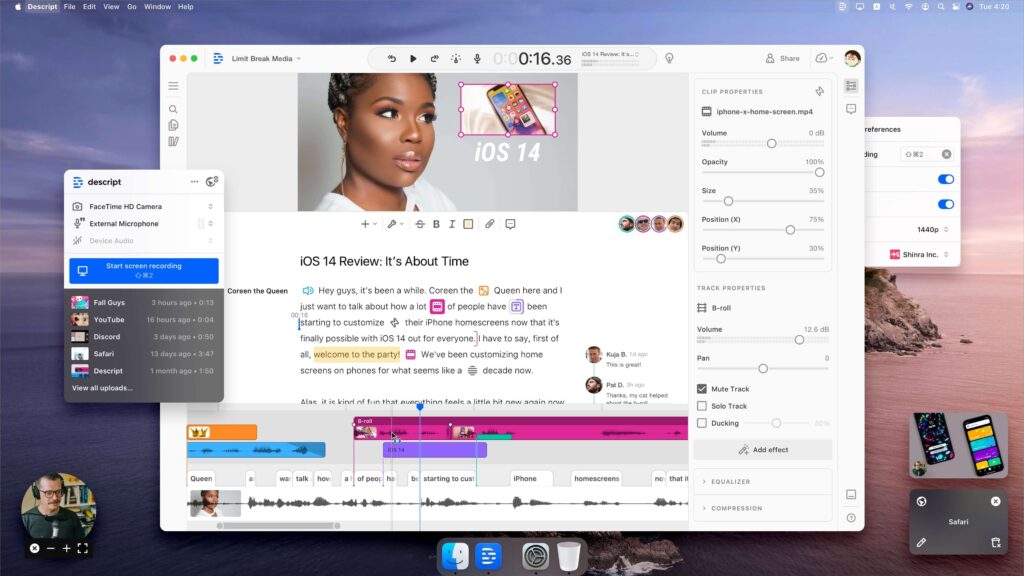
Descript is a powerful AI-driven platform that lets you transform your audio or video files into editable text, making the editing process as simple as working in a document. It’s a go-to tool for podcasters, educators, and course creators who want to speed up editing without needing complex software.
Key AI Features:
- Overdub – Create a digital version of your voice to add or fix dialogue without re-recording
- Studio Sound – Instantly enhance poor-quality audio by removing background noise and leveling voice clarity
- Screen Recording & Video Editing – Built-in tools for capturing tutorials or walkthroughs with real-time editing
- Automatic Subtitles & Transcription – Generate captions and transcripts for accessibility and SEO in just a click
Free Version: Yes, includes 1 hour of transcription per month with watermark
Paid Plans: Starts at $12/month for additional features and export options
Best For: Podcast creators, online educators, video editors, content marketers
Benefits: Great for editing long-form interviews, tutorials, or webinars using AI-enhanced text editing, saving hours of manual timeline cuts.
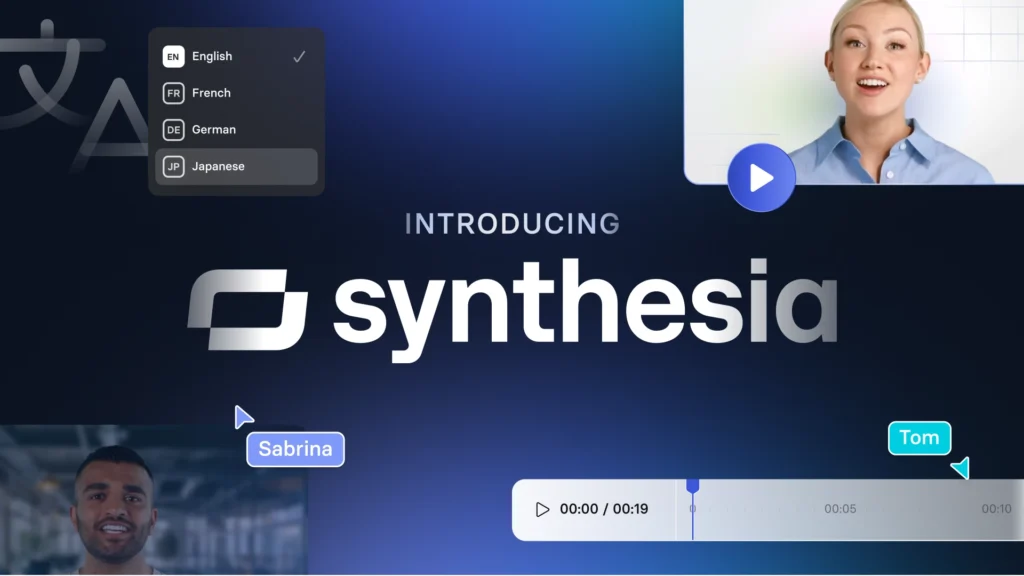
4. Synthesia
Synthesia is a powerful AI video creation tool that transforms your written script into professional-looking videos using hyper-realistic virtual presenters. It eliminates the need for a camera, studio setup, or voice actors, making it incredibly efficient for businesses and educators.
Key AI Features:
- Over 140 lifelike AI avatars with customizable expressions and gestures
- Supports video creation in 120+ languages and accents
- Allows full control over background visuals, text placement, and branding elements
- Option to upload your own audio or use built-in, natural-sounding AI voiceovers
Free Version: No
Paid Plans: Starts at $29/month
Best For: Corporate training, digital product demos, online courses
Benefits: Great for scaling video production without filming gear, especially useful for consistent branding in tutorials, walkthroughs, and multilingual content.
5. Wisecut
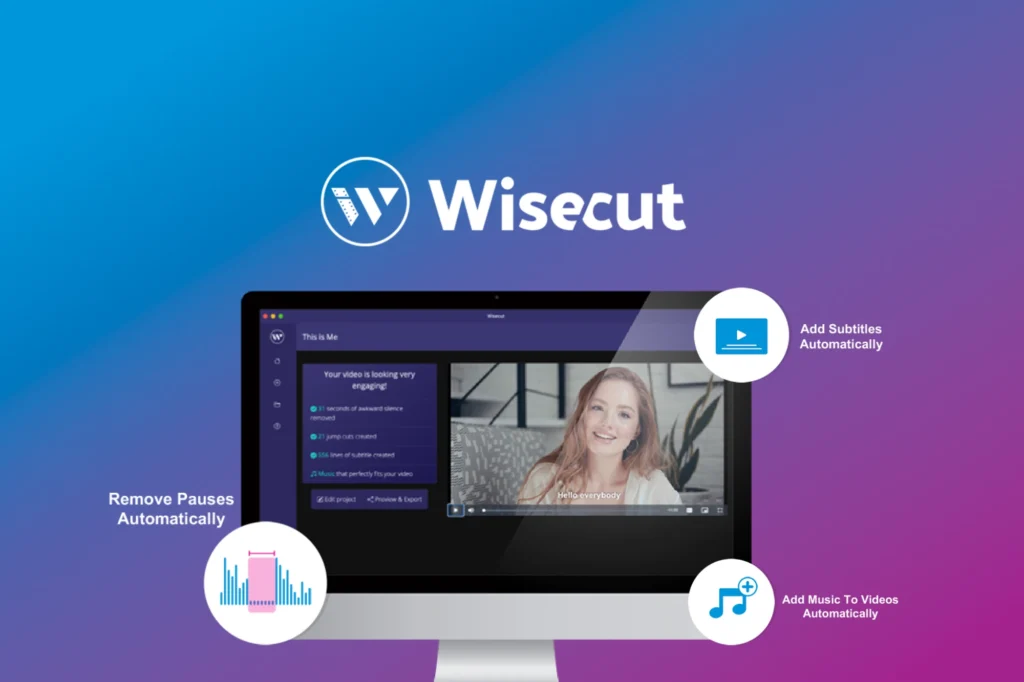
Wisecut is an intuitive AI-powered video editor designed specifically for creators who work with talking head videos. It automates the editing process by detecting pauses and silences, trimming them out seamlessly to maintain viewer engagement. The tool also adds background music, subtitles, and automatic zoom effects giving your videos a professional touch without manual intervention. Whether you’re filming educational content, vlogs, or coaching videos, Wisecut helps you polish your footage quickly with minimal effort or editing skills.
Key AI Features:
- Silence removal & auto jump cuts
- Subtitle generation (multilingual)
- Background music with volume ducking
- Translate & voiceover using AI
Free Version: Yes (limited features, watermark)
Paid Plans: From $10/month
Best For: Coaches, vloggers, educators
Benefits: Makes talking-head videos more engaging without manual effort.
6. Veed.io
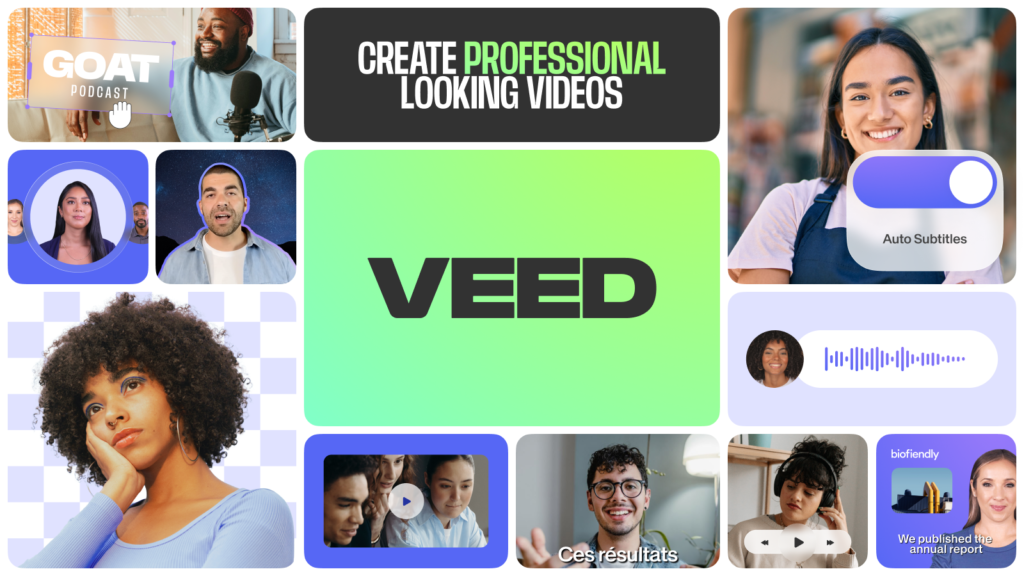
Veed.io is a versatile, browser-based video editor designed for speed and simplicity. It’s especially popular among content creators who need to produce social media videos, YouTube intros, podcast clips, and promo content without a steep learning curve. With its growing suite of AI-powered features, Veed.io allows users to generate subtitles, clean up audio, and even create AI avatars—all in just a few clicks. It also supports real-time collaboration, making it a great tool for teams working remotely or agencies managing multiple clients.
Key AI Features:
- Auto subtitles in 100+ languages
- Remove background noise
- AI avatars (beta version for talking-head videos)
- One-click video formatting for Instagram, TikTok, YouTube, and more
- Auto resize, text overlays, filters, and animated elements
Free Version: Yes (with watermark and limited export resolution)
Paid Plans: Starts at $12/month
Best For: Social media managers, content creators, podcasters, educators
Benefits:
Veed.io offers an all-in-one editing experience that’s perfect for those who want to create high-quality videos quickly without technical hassle. The AI features save hours of manual editing by automatically generating subtitles, enhancing audio clarity, and optimizing videos for various platforms. It’s also great for repurposing long-form content into bite-sized clips. Whether you’re a solo creator or managing content at scale, Veed.io delivers powerful tools with a simple interface, making it ideal for both beginners and professionals.
7. Magisto by Vimeo
Magisto is a smart video editing tool powered by artificial intelligence, designed specifically for quick, stylish, and story-driven social videos. With just a few clicks, users can upload raw footage, choose a pre-built theme, and let the AI do the rest editing, trimming, adding music, transitions, and even storytelling elements.
The platform analyzes your video content to determine key moments, emotional tones, and the best cuts, which makes it ideal for creators who want professional-looking results without learning complex editing software. It’s available both on desktop and mobile, making it highly convenient for on-the-go video creation.
Key AI Features:
- Smart video editing templates
- Emotion-based music selection
- Auto cropping & transitions
- Story-driven editing and pacing
Free Version: Limited features and branding watermark
Paid Plans: From $9.99/month
Best For: Marketers, influencers, small business owners
Benefits:
Magisto is incredibly beginner-friendly, requiring no editing skills to produce polished videos. It’s a perfect solution for social media managers, small business owners, and content creators who need to create frequent video content for platforms like Instagram, Facebook, or LinkedIn.
8. Lumen5
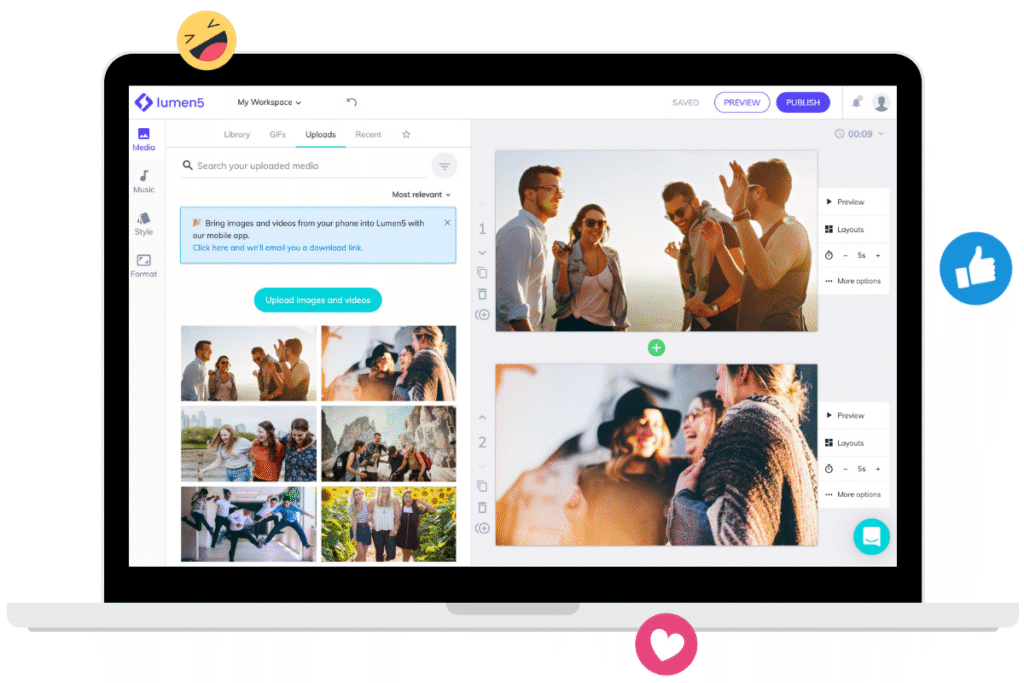
Lumen5 is an intuitive AI video creation platform designed to help you transform long-form written content into engaging video stories. It analyzes your blog post or article, highlights key phrases, and pairs them with relevant visuals and transitions—automatically. Its drag-and-drop interface, combined with AI suggestions, makes it easy even for non-editors to create scroll-stopping videos in minutes.
Whether you’re creating content for YouTube, LinkedIn, or Instagram, Lumen5 ensures that your message is communicated clearly through eye-catching visuals and on-brand elements.
Key AI Features:
- AI-generated storyboard
- Text summarization from blogs
- Auto-select stock visuals & music
- Branding presets
- Social media format support (16:9, 1:1, 9:16)
Free Version: Yes (watermarked exports)
Paid Plans: From $19/month
Best For: Bloggers, marketers, agencies
Benefits:
Perfect for repurposing written content into short-form videos that perform well on social platforms. Also great for increasing the reach and engagement of your existing blog content without starting from scratch.
9. Animoto
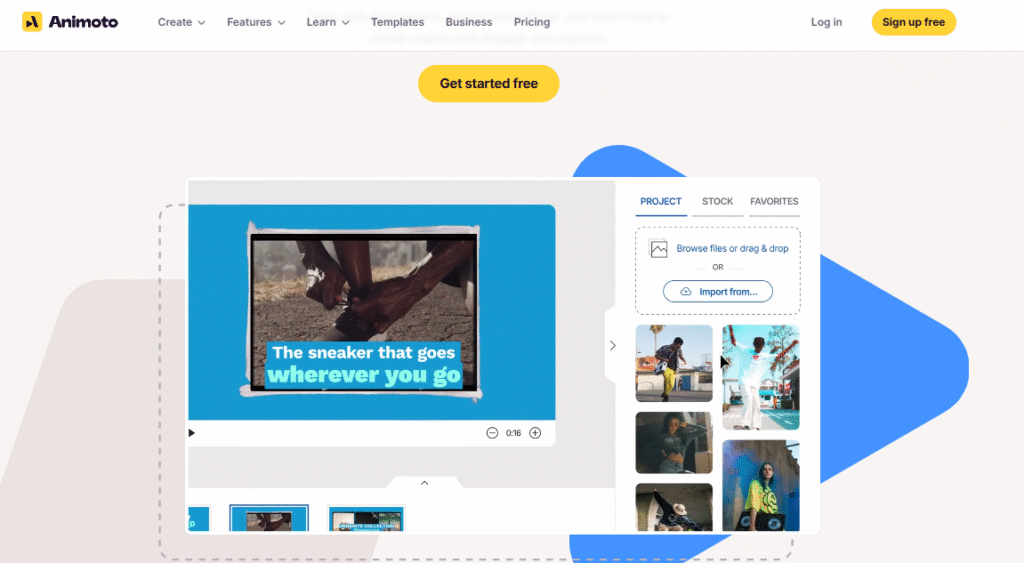
Animoto is a beginner-friendly video maker that helps create slideshow-style videos with auto transitions, music syncing, and drag-and-drop simplicity. It’s designed for users who want to create high-quality video content without needing technical editing skills. The platform’s AI tools help you build marketing videos, product promos, or personal stories in just a few clicks.
Key AI Features:
- Auto timing sync with music
- One-click theme-based templates
- Drag-and-drop AI content suggestion
- Voice-over & logo tools
Free Version: Yes (watermark)
Paid Plans: From $8/month
Best For: Small businesses, Instagram reels, product promos
Benefits: Great for non-editors who want fast and attractive videos. Its easy interface and AI-assisted tools reduce editing time while still producing professional-looking results.
10. Kapwing
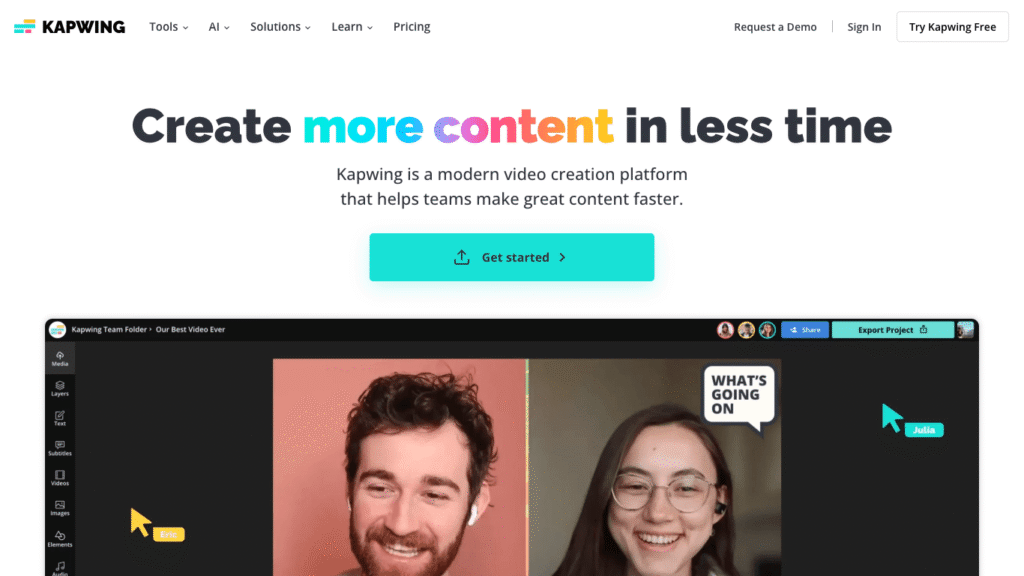
Kapwing is an all-in-one, browser-based video editor built for speed and teamwork. It allows you to edit videos, generate captions, remove silences, and even turn scripts into ready-made videos all powered by AI. Its clean interface and real-time collaboration tools make it a favorite among content teams and creators working on fast-paced social content.
Key AI Features:
- Smart Cut (auto remove pauses)
- Script-to-video creation
- Auto subtitle generation
- Collaboration tools (real-time)
- Resize videos for multiple platforms
- AI-powered video cleanup and trimming
Free Version: Yes (limited exports, watermark)
Paid Plans: From $16/month
Best For: Teams, influencers, content studios, educators
Benefits:
Perfect for editing short-form videos like YouTube Shorts, Instagram Reels, or TikToks with minimal effort. AI tools speed up repetitive tasks and make content creation smoother even for non-editors.